Reply with your voice
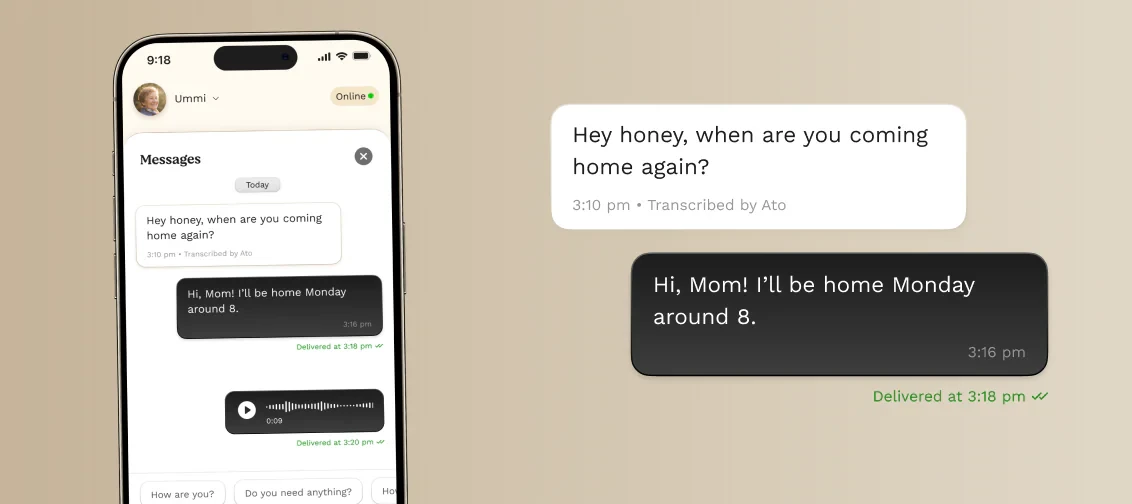
Simply speak to Ato to reply. Your message is transcribed and sent directly to the Family App.
Share text or voice messages between Ato and the Family App, making everyday communication feel more natural and accessible.
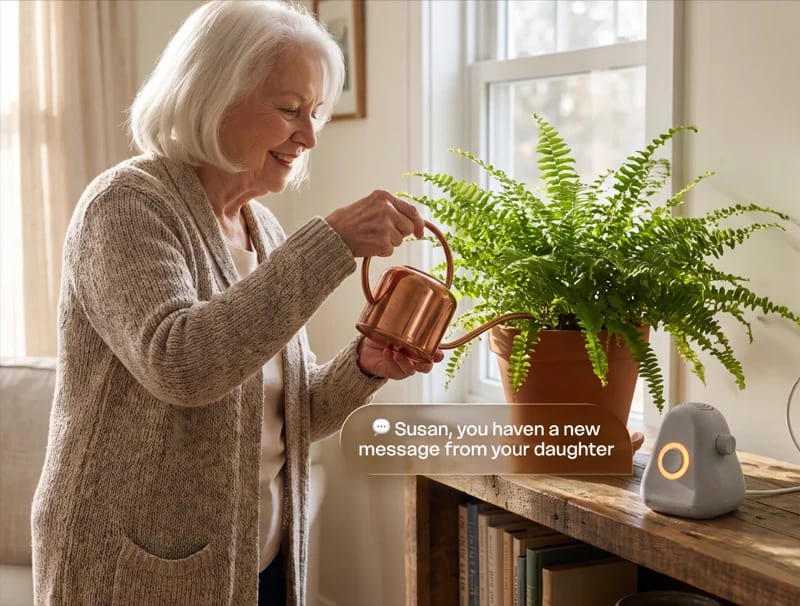
Messages move seamlessly between voice and text: spoken messages appear in the app, while written or recorded replies are delivered aloud through Ato.
Simply speak to Ato to reply. Your message is transcribed and sent directly to the Family App.
Write or record a message in the Family App whenever you want to share an update, a reminder, or simply say hello.
Ato reads text messages and plays voice notes, so staying connected doesn’t require navigating a device.
Ato will try to deliver the message more than once and wait for confirmation that it was heard before marking it as delivered.


